
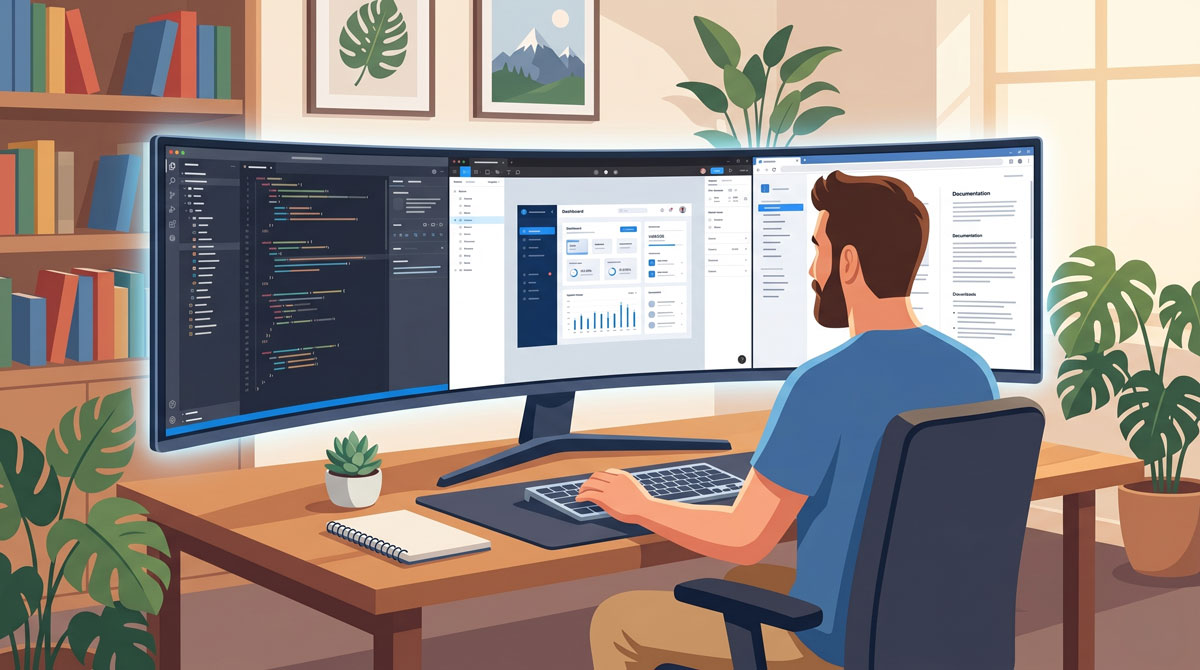
The traditional 16:9 monitor has been the standard for over a decade, but a significant shift is occurring in creative and technical workspaces. Professionals are increasingly trading dual-monitor setups for a single, expansive 21:9 ultra-wide display. This transition isn’t just about the impressive desk presence; it is a calculated move to improve workflow efficiency and visual ergonomics.
The Power of Horizontal Real Estate
For those managing complex software, the primary advantage of a 21:9 aspect ratio is the vast amount of horizontal space. This extra width allows for a “side-by-side” layout that feels natural rather than cramped.
-
For Developers: Imagine having a code editor open in the center, a browser for documentation on the right, and a terminal or debugger on the left—all visible simultaneously without tabbing.
-
For Designers: Software like Adobe Creative Suite or Figma benefits immensely from the ability to keep toolbars and layers panels open on the periphery while maintaining a large, unobstructed canvas in the center.
Seamlessness Over Bezels
While dual 16:9 monitors offer similar total area, they come with a physical “dead zone”—the bezels where the screens meet.
-
Eliminating the Split: A single ultra-wide panel provides a continuous workspace. There is no bezel cutting through your design or breaking your line of sight.
-
Color Consistency: Working on one panel ensures that colors and brightness are uniform across your entire field of view, which is critical for branding and color grading.
-
Simplified Cable Management: One monitor means one power cable and one DisplayPort or HDMI connection, leading to a cleaner, more organized desk.
Cinematic Timelines and Grid Layouts
The 21:9 ratio is particularly effective for any task involving a timeline. Video editors can see significantly more of their sequence at once, reducing the need for constant horizontal scrolling. Similarly, for web developers working on responsive grid layouts, the ultra-wide format allows for testing multiple breakpoints (desktop, tablet, and mobile) in adjacent windows.
Pro Tip: Use a window management tool to “snap” windows into thirds. This turns your 21:9 monitor into three perfectly sized vertical panes, ideal for a multi-tasking workflow.
Ergonomics and the Curve
Most 21:9 monitors feature a subtle curve (measured in “R,” such as 1500R or 1800R). This is designed to keep the edges of the screen at the same focal distance from your eyes as the center. For designers and developers who spend long hours at their desks, this reduces eye fatigue and the need for repetitive neck rotation.
Is 21:9 Right for Your Setup?
Before making the switch, consider your hardware. Driving a 3440 x 1440 resolution requires more graphical power than a standard HD screen. However, for most modern laptops and workstations, the productivity gains of seeing the “big picture” far outweigh the technical requirements.
If your work involves complex interfaces and frequent multi-tasking, the move to 21:9 might be the most significant upgrade you can make to your professional environment.