
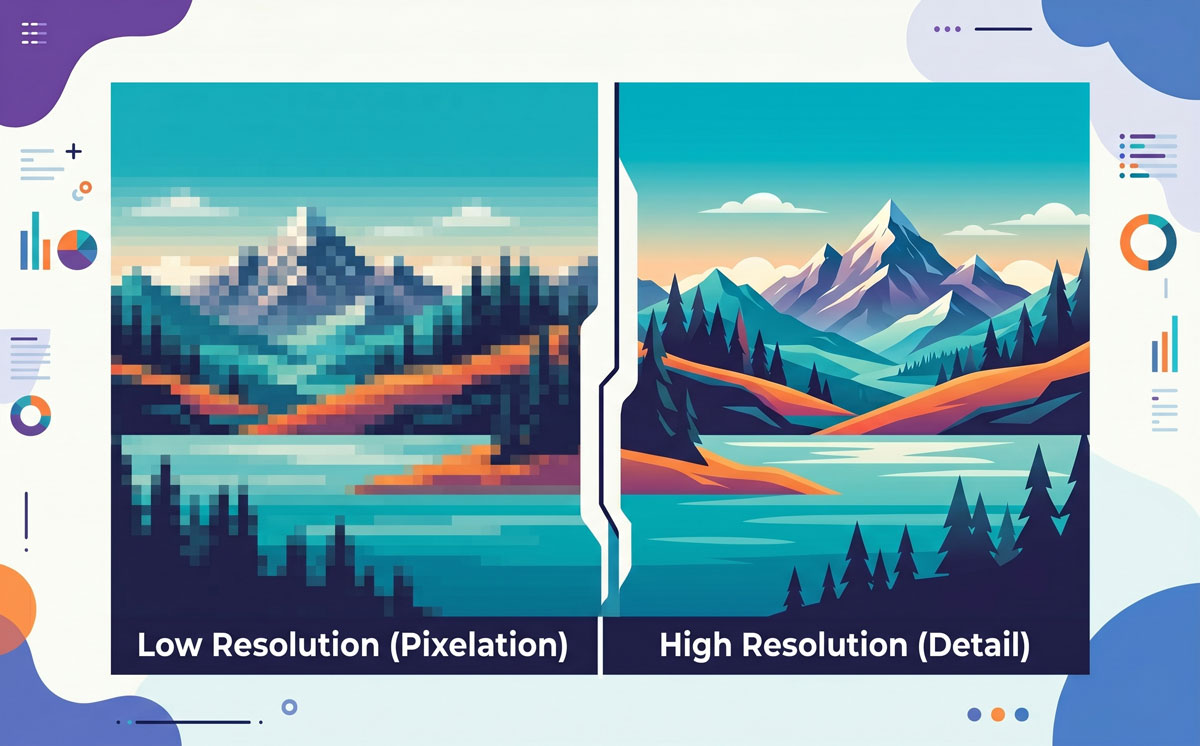
Whether you are preparing a file for a high-stakes client presentation or getting a banner ready for a storefront, understanding image resolution is the difference between a crisp, professional result and a blurry, pixelated mess.
High-quality reproduction isn’t just about having a “large” file; it’s about having the right density of information for the specific medium. Here is a guide to help you navigate the requirements for both digital and physical outputs.
What is Image Resolution?
At its simplest, image resolution refers to the level of detail an image holds. Digital images are made up of millions of tiny squares called pixels. Resolution is the measurement of how many of these pixels (or dots of ink) are packed into a specific area.
-
PPI (Pixels Per Inch): Used for digital screens.
-
DPI (Dots Per Inch): Used for physical printing.
The higher the number, the more information is squeezed into the space, resulting in a sharper image. If you try to enlarge a low-resolution image, the computer has to “guess” where to put new pixels, which leads to that fuzzy, blocky look often called pixelation.
Screen Resolution: Designing for the Glow
Digital displays—including monitors, tablets, and smartphones—rely on PPI. Because screens have a fixed number of physical pixels built into the hardware, the resolution requirements are generally lower than those for print, but they have become more complex with the rise of high-density displays.
Web and Slide Decks
For standard web use and digital presentations (like PowerPoint, Google Slides, or Keynote), 72 PPI has long been the industry standard. This provides a balance between visual clarity and fast loading speeds.
Regular vs. Retina Displays
Modern devices, often marketed as “Retina” or “High-Density” displays, pack twice (2x) or even three times (3x) as many pixels into the same physical space.
-
Standard Displays: 72–96 PPI.
-
Retina/High-Density: 144–300+ PPI.
When designing for these screens, you often need to export your assets at “2x” size to ensure they look sharp and don’t appear blurry to users with high-end hardware.
Print Resolution: Designing for the Ink
Printing requires a much higher density of information than a screen because ink on paper bleeds slightly and lacks the backlighting that helps digital images “pop.”
Desktop and Office Printing
For documents in MS Word or Apple Pages intended for a standard office printer, 150 DPI is usually sufficient for a clean look. While 300 DPI is better, 150 is a solid middle ground for internal reports and basic flyers.
Offset and Professional Printing
For high-quality brochures, magazines, or business cards, 300 DPI is the non-negotiable standard. At this resolution, the human eye generally cannot see the individual dots of ink, creating a smooth, continuous-tone image.
Large Format Printing
This is where the rules change. For posters, banners, and billboards, the resolution depends on the viewing distance:
-
Posters (Viewed at arm’s length): 200–300 DPI.
-
Banners (Viewed from 10 feet away): 72–100 DPI.
-
Billboards (Viewed from the highway): As low as 15–30 DPI.
Because the viewer is so far away, the eye naturally blends the dots together, allowing for much lower resolutions on massive files.
Pro-Tip: The Relationship Between Ratio and Resolution
It is important to remember that aspect ratio and resolution work in tandem. If you have a high-resolution image but need to crop it to fit a specific ratio (like moving from a 4:3 photo to a 16:9 banner), you are effectively throwing away pixels. Always start with the highest resolution possible before you begin adjusting the ratio to ensure you have enough “pixel overhead” for a clean crop.
Always remember: by matching your file’s resolution to its final destination, you ensure your work looks exactly as intended—sharp, detailed, and professional.