
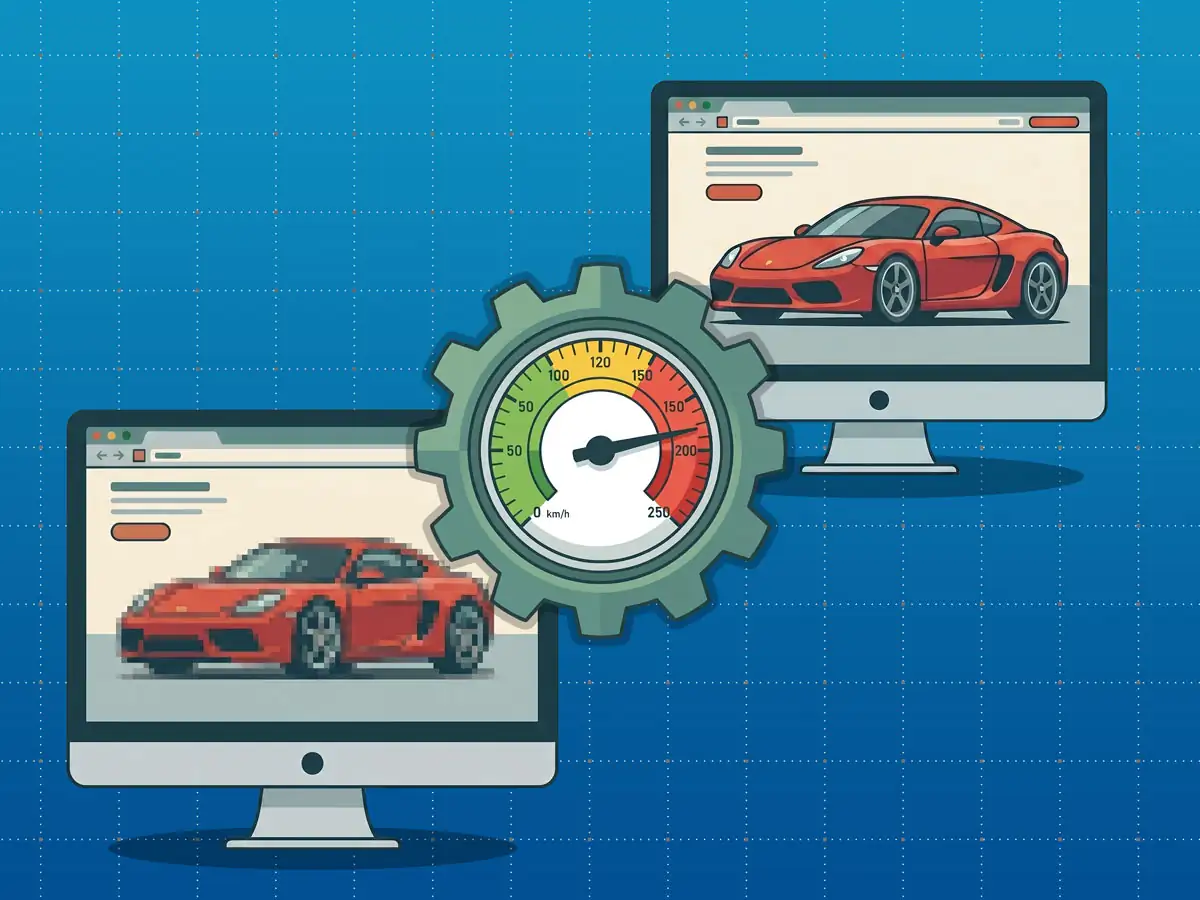
For digital architects and performance-driven designers, the tension between visual fidelity and site velocity is a constant battleground. While high-resolution assets provide the “crisp” aesthetic modern brands demand, they are often the silent killers of conversion rates. When we prioritize unoptimized aesthetics, we don’t just slow down a site; we actively sabotage the user experience and the bottom line.
This guide moves beyond basic compression tips to dismantle the common industry myths that lead to bloated, sluggish websites. By understanding the underlying mechanics of browser rendering and modern framework execution, you can stop guessing and start building lean, high-performance digital experiences that retain clarity without sacrificing speed.
The PPI Myth: Why Your 300 DPI Export Doesn’t Matter
One of the most persistent misunderstandings in digital design is the role of PPI (Pixels Per Inch) or DPI (Dots Per Inch). Many designers continue to export web assets at “300 DPI,” under the impression that it enhances digital clarity.
To optimize effectively, we must distinguish between three critical metrics:
- Dimensions (Pixels): This is the physical footprint of your asset on a screen (e.g., 1920×1080). It defines the image grid. To achieve a perfectly sharp 1:1 pixel ratio, your image dimensions must match the width of its layout container.
- Resolution (PPI/DPI): This is strictly a print metric. It instructs a physical printer on how densely to pack pixels onto a tangible surface.
- File Size (KB/MB): The storage space consumed on the server, dictated by pixel count and compression efficiency.
PPI (Pixels Per Inch) does not matter for the web. Web browsers and digital screens only care about raw pixel dimensions.
A 1000px image saved at 72 PPI and the same image saved at 300 PPI contain an identical number of pixels. On a screen, they are indistinguishable and consume the exact same amount of data. Maintaining the “300 DPI” myth only adds unnecessary export complexity and confusion to the design-to-development handoff.
The Invisible Tax: Main-Thread Latency and Memory Footprint
Using oversized assets—such as a 5000px source file for a 300px thumbnail—imposes a severe technical penalty that even the most advanced frameworks cannot bypass.
Modern builders like WordPress with Divi 5 have introduced lightning-fast rendering engines and native aspect-ratio framing to improve performance. However, these optimizations cannot override the fundamental behavior of the browser. When you serve a bloated file, the browser must pay a “two-fold tax”:
- Bandwidth Waste: A 5000px image can easily reach 8 MB, whereas a properly scaled 300px thumbnail should be under 30 KB. This is a direct drain on user data and initial load time.
- Bitmap Memory Footprint & CPU Overhead: This is the “surprising truth” of image bloat. The browser does not simply “shrink” the image. It must download the file, decode the entire 5000px bitmap into the device’s memory, and then use CPU cycles to scale the resolution down to fit the visual container.
This process consumes main-thread execution time and can lead to render-blocking delays and “scrolling stutter.” On mobile devices, this heavy-lifting for rasterization creates a clunky, unresponsive UI that negates any benefit of a high-resolution source.
SEO and the “Largest Contentful Paint” (LCP)
In the current search landscape, image optimization is a quantifiable business requirement. Google’s Core Web Vitals have turned performance into a primary ranking factor, with Largest Contentful Paint (LCP) serving as a key benchmark.
LCP measures how long it takes for the largest visual element on the page—usually a hero banner or primary layout image—to become fully visible. If these assets are massive and unoptimized, the delayed LCP will trigger a lower search ranking. Optimization is no longer a matter of “feel” or subjective user experience; it is a strategic necessity for digital visibility and organic traffic.
The New Hierarchy: Why JPEG is No Longer King
The industry standard is shifting away from legacy formats like JPEG and PNG toward modern, high-efficiency alternatives. The shift toward WebP and AVIF represents the biggest performance win available to modern developers:
- WebP: The current baseline, offering 25–35% better compression than JPEGs at equivalent visual quality.
- AVIF: The high-performance standard. AVIF produces files up to 50% smaller than standard JPEGs while preserving incredible clarity in gradients and complex textures.
AVIF is particularly vital for “future-proofing” designs. Its ability to maintain high quality at extremely low weights allows sites to look stunning on high-density displays without the blocky artifacts typical of aggressive JPEG compression.
The Practical Cheat Sheet: Layout vs. Export Size
To maintain peak performance, your assets must be exported at dimensions that align with their intended layout. Use the following table as your standard for production.
Note: The “Target File Size” values represent maximums, not averages; strive to stay well below these limits.
| Layout Element | Typical Display Width | Recommended Export Width (Standard) | Recommended Export Width (Retina/2x) | Target File Size (WebP/AVIF) |
|---|---|---|---|---|
| Full-Width Hero Banner | 1920px | 1920px | 2560px | < 150 KB – 200 KB |
| Standard Blog Content | 800px to 1080px | 1080px | 1600px | < 80 KB – 100 KB |
| Two-Column Grid | 500px to 600px | 600px | 1200px | < 50 KB |
| Three-Column / Sidebar | 300px to 400px | 400px | 800px | < 30 KB |
| Avatar / Tiny Thumbnail | 80px to 150px | 150px | 300px | < 10 KB |
The Professional’s Toolkit
A senior-level workflow requires tools that balance precision with automation.
Squoosh.app An essential web-based tool by Google for high-stakes assets. It enables codec-to-codec comparison in real time, allowing you to visually toggle between formats like WebP and AVIF to find the precise inflection point between quality loss and file savings.
TinyPNG / TinyJPG The gold standard for batch processing. It is best utilized for the rapid compression of bulk assets before they are integrated into the production environment.
ShortPixel / ImageRecycle These tools offer API-driven automation for WordPress environments. By compressing assets directly in the Media Library upon upload, they provide a vital safety net that prevents unoptimized assets from reaching the live site, even if an editor skips the pre-optimization phase.
Conclusion: A Leaner Web
The era of choosing between “crisp” and “fast” is over. By dismantling the PPI myth, accounting for the browser’s bitmap memory footprint, and adopting modern formats like AVIF, you can deliver elite-level visual experiences that score perfectly on performance benchmarks.
As performance standards become increasingly rigorous, you must ask: Are you willing to sacrifice 20% of your mobile traffic for a resolution no human eye can actually perceive? It’s time to audit your asset-export workflow and build a leaner, faster web.